About MC Sensors
MC Sensors is a powerful monitoring and analyzing toolbox for the internal sensors of your iPad or iPhone. It displays signals from the internal accelerometer, gyroscope, magnetometer and the device rotation. You can...
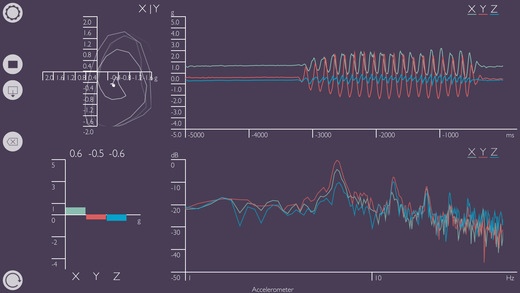
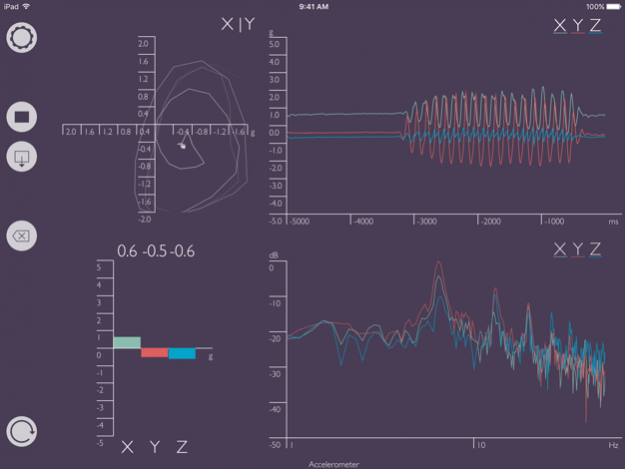
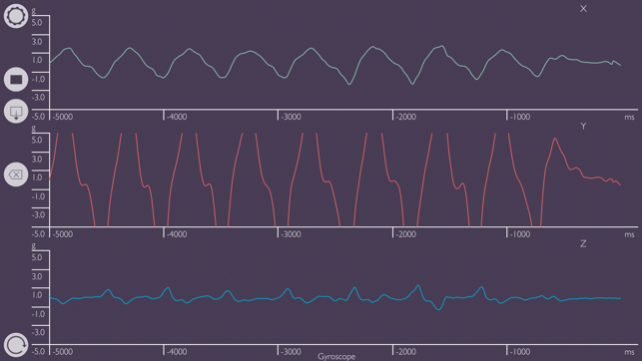
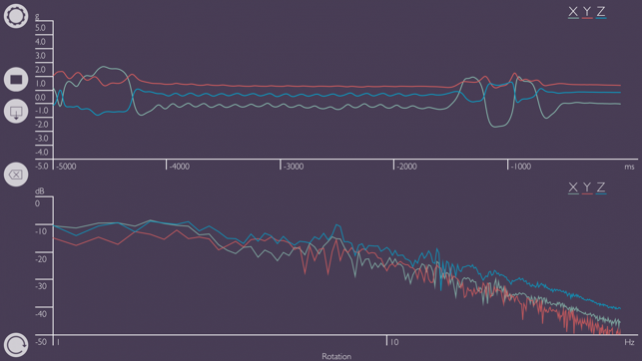
MC Sensors is a powerful monitoring and analyzing toolbox for the internal sensors of your iPad or iPhone. It displays signals from the internal accelerometer, gyroscope, magnetometer and the device rotation. You can display and analyse that data with the help of a an oscilloscope, FFT for peak frequency detection, level meter and a XY-view.
Each sensor provides three data channels that can be displayed and analysed separately or in a combined manner. You can easily measure the current gravitational force (e.g. in a car or an elevator) or the magnetic field magnitude. The FFT lets you detect low frequency vibrations (1 - 50 Hz).
App features:
- chose between accelerometer, gyroscope, magnetometer and device rotation sensor data
- FFT, oscilloscope, XY-view and level meter separately or simultaneously useable
- save and load records in separate workspace
- real-time data of 3 channels per sensor
- select channels of sensors
- sensor display modes: separate channels, combined, sum
- languages: English, Deutsch, Русский
FFT features:
- frequency range: 1 - 50 Hz
- block sizes: 1s - 10s
- windowing of input signals
- real-time peak display
- pinch zoom and cursor magnifier
Oscilloscope features:
- pinch zoom and cursor magnifier
- automatic trigger mode
XY-view features:
- select channels for X- and Y-axis
- pinch zoom and cursor magnifier
- automatic trigger mode
Level meter features:
- response time modes: impulse, fast, slow
- peak indication
Jun 28, 2016 Version 1.2.0
This app has been updated by Apple to display the Apple Watch app icon.
Thanks for using MC Sensors! Please keep sending feature requests to
[email protected] to help us improve our product!
This update contains stability tweaks and bug fixes.
Previous Versions
Here you can find the changelog of MC Sensors since it was posted on our website on 2016-11-09 17:43:30.
The latest version is 1.2.0 and it was updated on 2024-04-19 21:25:52. See below the changes in each version.
MC Sensors version 1.2.0
Updated At: 2021-06-28
Changes: 28. Juni 2016 Version 1.2.0
Thanks for using MC Sensors! Please keep sending feature requests to
[email protected] to help us improve our product!
This update contains stability tweaks and bug fixes.
MC Sensors version 1.2.0
Updated At: 2016-06-28
Changes: 28 Jun 2016 Version 1.2.0
Thanks for using MC Sensors! Please keep sending feature requests to
[email protected] to help us improve our product!
This update contains stability tweaks and bug fixes.
MC Sensors version 1.2.0
Updated At: 2016-06-28
Changes: Jun 28, 2016 Version 1.2.0
Thanks for using MC Sensors! Please keep sending feature requests to
[email protected] to help us improve our product!
This update contains stability tweaks and bug fixes.
MC Sensors version 1.2.0
Updated At: 2016-06-28
Changes: Jun 28, 2016 Version 1.2.0
This app has been updated by Apple to use the latest Apple signing certificate.
Thanks for using MC Sensors! Please keep sending feature requests to
[email protected] to help us improve our product!
This update contains stability tweaks and bug fixes.
MC Sensors version 1.2.0
Updated At: 2016-06-28
Changes: Jun 28, 2016 Version 1.2.0
This app has been updated by Apple to display the Apple Watch app icon.
Thanks for using MC Sensors! Please keep sending feature requests to
[email protected] to help us improve our product!
This update contains stability tweaks and bug fixes.
MC Sensors version 1.2.0
Updated At: 2014-09-16
Disclaimer
Official App Store Link
We do not host MC Sensors on our servers. We did not scan it for viruses, adware, spyware or other type of malware. This app is hosted by Apple and passed their terms and conditions to be listed there. We recommend caution when installing it.
The App Store link for MC Sensors is provided to you by apps112.com without any warranties, representations or guarantees of any kind, so access it at your own risk.
If you have questions regarding this particular app contact the publisher directly. For questions about the functionalities of apps112.com contact us.